
About Course
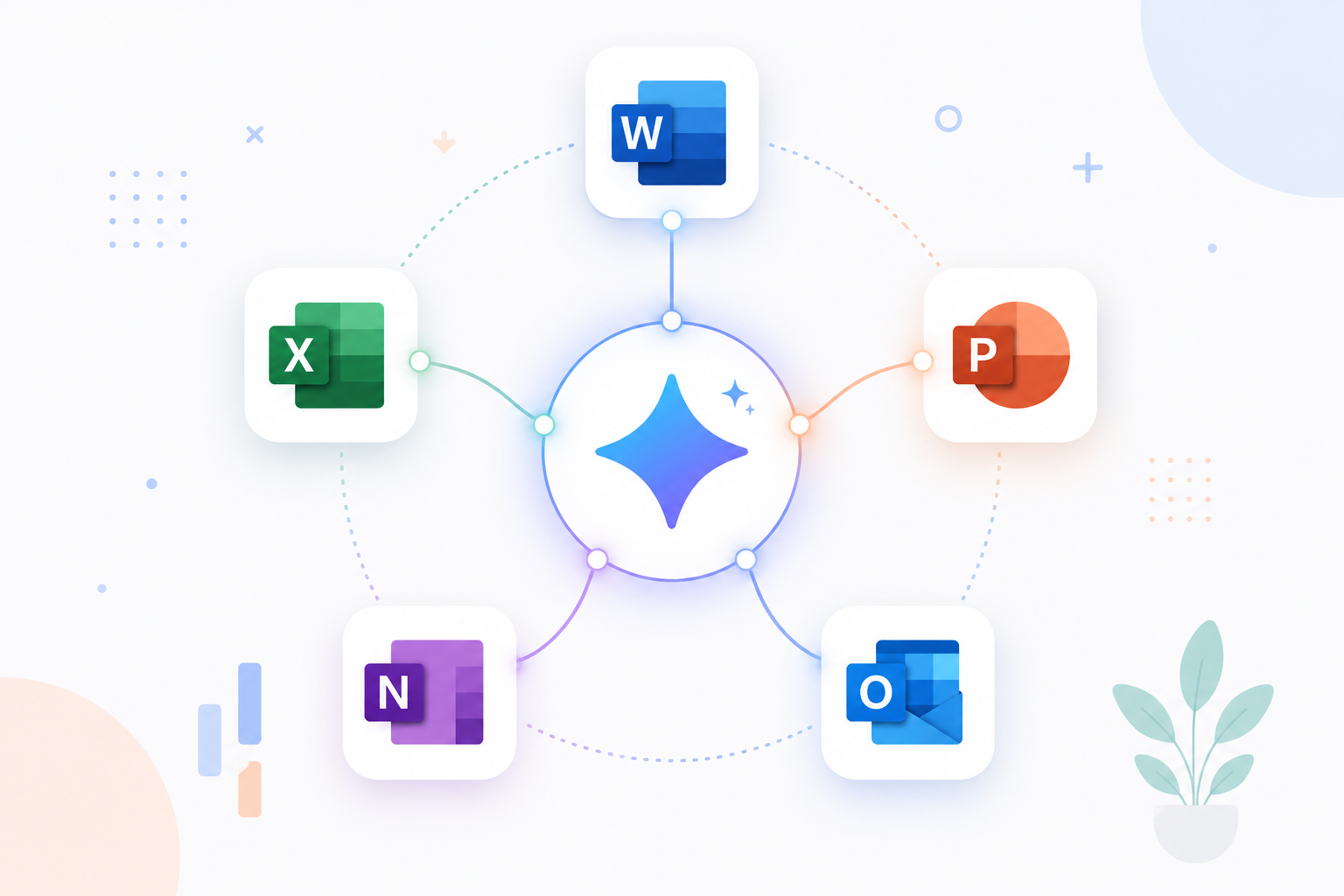
The AI + Microsoft 365 Beginner Curriculum is an introductory program designed for learners who are new to Artificial Intelligence and eager to explore how it enhances productivity across Microsoft tools. This course provides a simple, practical entry point for beginners, guiding them step by step through real-world applications of AI within Microsoft Word, Excel, PowerPoint, OneNote, and Outlook.
Through hands-on lessons, clear examples, and guided activities, learners will discover how to use Microsoft Copilot to draft, summarize, design, analyze, and communicate more efficiently. Each module builds foundational confidence, helping beginners understand not just how to use AI tools, but why they matter in today’s digital workplace.
The course avoids technical jargon and focuses on everyday scenarios that beginners can relate to writing documents, managing emails, creating reports, and organizing notes. With a strong emphasis on simplicity, clarity, and engagement, this curriculum ensures every learner feels comfortable experimenting with AI features and applying them independently.
By the end of this program, participants will have a solid understanding of how AI integrates into the Microsoft 365 suite and will be ready to progress toward intermediate modules focused on automation, workflow optimization, and deeper data-driven insights.
Key Takeaways
- Understand the purpose and benefits of AI in Microsoft 365 applications.
- Learn how to use Microsoft Copilot for everyday tasks in Word, Excel, PowerPoint, OneNote, and Outlook.
- Build confidence through practical, beginner-friendly exercises.
- Gain foundational skills to communicate, organize, and work more efficiently using AI.
- Prepare for the next stage in the AI + Microsoft 365 Learning Pathway: Intermediate Level.
Course Content
GENERAL INTRODUCTION
-
INTRODUCTION